
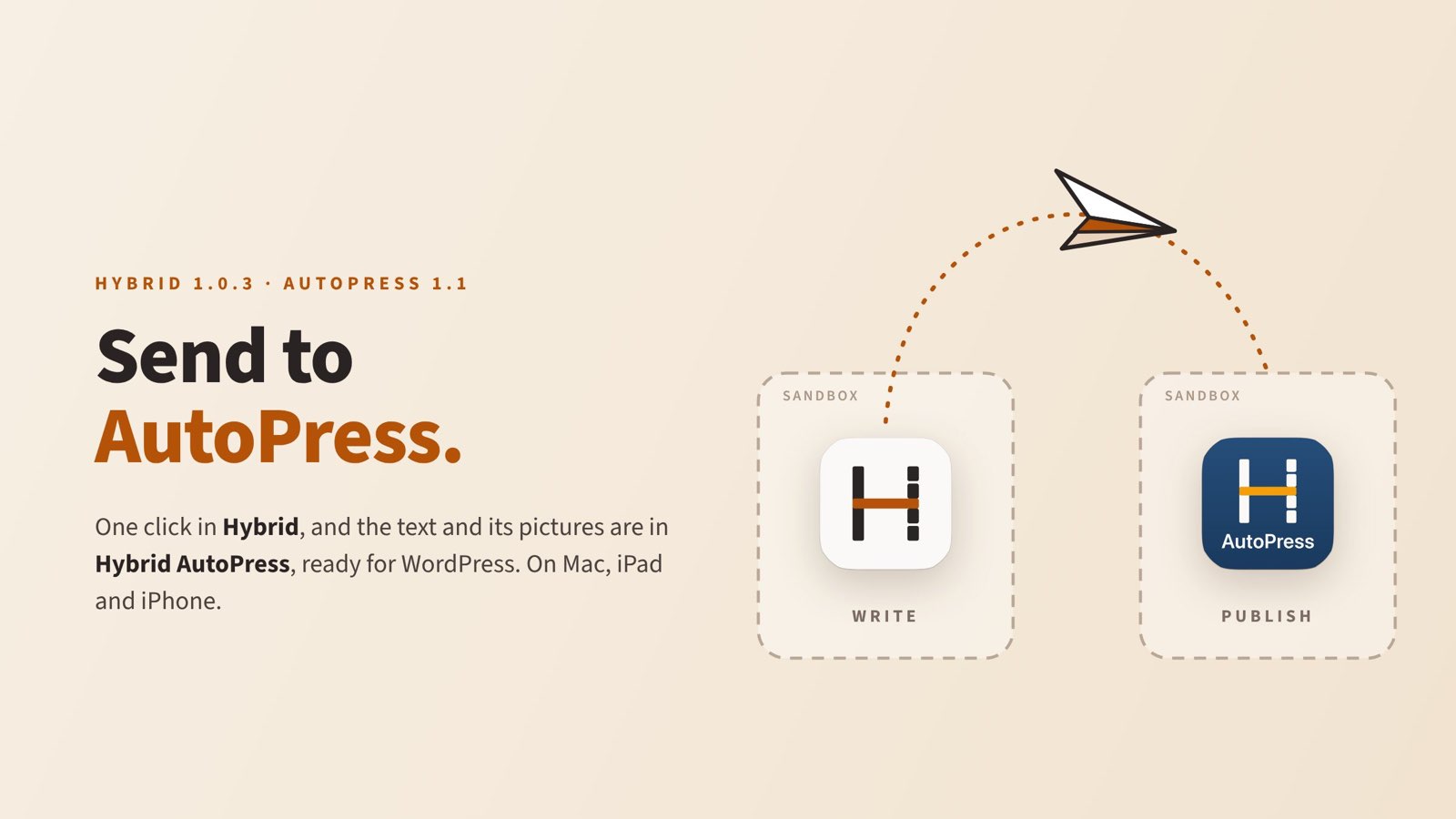
Some days ago I promised here that the way from Hybrid to AutoPress would get shorter. Now it has. Apple has approved Hybrid 1.0.3 for Mac, iPhone and iPad, and AutoPress 1.1 along with it. Hybrid’s toolbar now has a paper plane: “Send to AutoPress”. One click, and the text is in AutoPress with all its pictures, ready to be uploaded to WordPress.
Until now that went through a file. Save, add it in AutoPress, upload. It worked, but it was exactly the kind of chore you no longer want to do for the third post of the day.
Two apps that are not allowed to see each other
Sounds like a small thing. One program hands a file to another. How hard can it be?
On Apple devices, fairly hard. Every App Store app lives in its own sandbox, a closed-off area no other app may look into. That is a good thing: no app can secretly read another app’s files. I tripped over it once already, when submitting AutoPress: a picture Hybrid had stored in its own space was simply out of AutoPress’s reach, whatever permission it had.
So Hybrid cannot just tell AutoPress where a file is. Instead it puts the document on a kind of private clipboard that exists only for this: the text, the pictures and a short list of what belongs where. Then it calls AutoPress through an address of its own. AutoPress picks everything up, stores it, empties that clipboard and puts the document into its list, already selected.
The normal clipboard is left alone. Whatever you just copied is not overwritten, and no prompt asks whether pasting is allowed. On iPhone and iPad such a named clipboard is visible only to apps from the same developer. It all happens on the device; nothing goes over the network.
If AutoPress is not installed, Hybrid explains what the app does and points to the App Store. If the old version is installed, Hybrid asks for an update. Anyone who does not need the paper plane can hide it in Settings. On the iPhone it sits in the More menu.
Word and PDF in, Markdown out
The second big addition is on the Mac only for now. Hybrid now imports Word files and PDFs. Drag a .docx file into an empty window and you get a Markdown document. Headings, lists, bold and italic, links, tables, footnotes and pictures are kept. Hybrid even recognises headings that someone made big and bold by hand in Word instead of using a style. Drag the file into a document that already has text, and the import lands where you let go.
PDFs are read by their typography, scanned ones by text recognition. Tables in PDFs are not rebuilt, though. That would be a project of its own.
For me that closes a loop any journalist, editor or freelancer who writes for clients knows. The press release arrives as a Word file, the report is attached in the e-mail as a PDF. Until now that meant copy, paste, fix the formatting. Now it means: drag it in.
Three bugs you only see when you look for them
As always, an update also brings fixes. Three of them deserve a mention because they were so inconspicuous.
The swallowed letters. On the Mac, a selection that started on text that was already highlighted lost one to three characters at the start. The cause lies in the system. Pressing on highlighted text might be the start of a drag, so the Mac waits a moment and then puts the starting point wherever the pointer is by then. If you drag with three fingers on the trackpad, as I do, the pointer is always already moving. I reproduced it with synthetic mouse movements in a document of 100,000 characters. Before, every second selection was wrong. Now none is.
The quotation marks. In the Word export, German quotation marks both sat at the top, as in English. The culprit was the Markdown component, which turned straight quotes into the American form on its own. Hybrid now sets them by the language of the text: “like this” in English, „so“ in German, « ainsi » in French. That applies to Word, PDF, the preview and the copy for publishing. Word also gets told the language, so its spell checker knows what it is checking.
The large-print PDF. The PDF export took over the editor’s font size, which on my Mac is 17 points. The result looked like a book for reading glasses. Now the PDF is set in 11 points, like the Word export, and always on light paper, even when the Mac is in dark mode.
On iPhone and iPad, working together with the Mac is also more reliable. Names arrive between devices, someone who leaves a document is shown as gone for everyone, and text that was just inserted no longer disappears when a sync answer arrives late.
What else AutoPress 1.1 brings
AutoPress has learned more than just receiving.
- Captions and credits for every picture, not only the featured image. The credit in the picture is set larger and easier to read.
- Featured images go up as JPEG. That is the lesson from my post about LinkedIn and WebP: LinkedIn shows automatically shared posts without a picture if the featured image is a WebP. Pictures in the text stay WebP; the featured image is now a JPEG by default.
- “Publish now” means now, also on websites set to a different time zone.
- Clearer messages when connecting to a website does not work.
Nothing else is needed for the updates. If you have the apps, the App Store brings them. If you don’t yet: both are free to download and fully usable for seven days.


By the way, this post took the new route: written in Hybrid, sent to AutoPress by paper plane, and from there onto this page. More about the apps at hybrid-editor.com and hybrid-autopress.com.